
Why choose BookNook
Easy and Extensible
Get started with our docker image and extend it with your own customizations via the plugin system.
Comic and book support
Built-in comic support on top of our book support
Curated for You
Personalized recommendations based on your reading history and taste via included AI (Google Gemini) plugin
Make it yours,
drop in a folder.
BookNook's plugin API gives you the full server — a scoped router, direct database access, nav injection, and a lifecycle event bus. No build step, no framework. Just a file.
Bundled plugins
export default {
  name: 'my-plugin',

  register({ db, router, addNavItem, on }) {
    // Your own DB tables
    db.prepare(`CREATE TABLE IF NOT EXISTS
      myplugin_notes (id INTEGER PRIMARY KEY,
      book_id INTEGER, body TEXT)`).run();

    // Routes at /plugins/my-plugin/…
    router.get('/', (c) =>
      c.json({ ok: true })
    );

    // Sidebar link
    addNavItem({
      label: 'My Plugin',
      href:  '/plugins/my-plugin',
    });

    // React to core events
    on('bookDeleted', ({ id }) => {
      db.prepare('DELETE FROM myplugin_notes
        WHERE book_id = ?').run(id);
    });
  },
};
In action
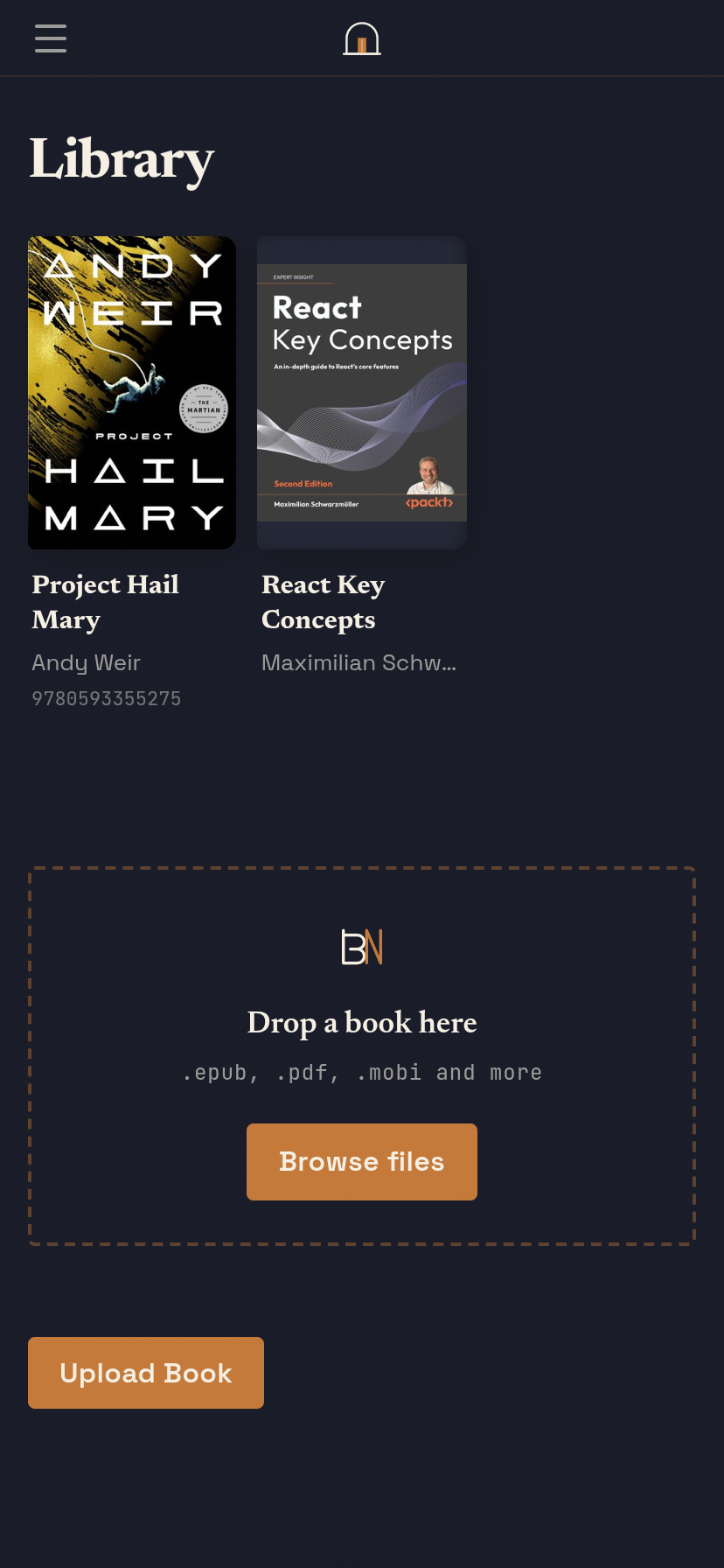
See what you're getting
Quickstart
Up and running in minutes
Pick your install method. BookNook runs entirely on your own machine — your data never leaves.
Create compose.yml
Paste this into a new file in an empty directory.
services:
  booknook:
    image: zadenm/booknook:main
    ports:
      - "3001:3001"
    env_file: .env
    environment:
      NODE_ENV: production
      DATA_DIR: /app/data
    volumes:
      - ./data:/app/data
      - ./books:/app/books
      - ./comics:/app/comics
      - ./cache:/app/cache
restart: unless-stoppedCreate .env
Set your admin credentials and a random session secret. Generate one with openssl rand -hex 32.
ADMIN_USERNAME=admin
ADMIN_PASSWORD=changeme
SESSION_SECRET=paste-your-random-string-hereStart BookNook
Run this from the same directory as your compose.yml.
$ docker compose up -d